Launch · 2 min
Even your most loyal customers will see your app's store page before they download. A clear page gets more downloads and fewer confused reviews.
The name
Use your business name, maybe with a short description: "Kopi Corner: Order ahead". Don't stuff it with keywords; stores may reject it.
The first lines
Most people only read the first two lines. Say what the app does and who it's for:
"Order your usual coffee ahead, skip the queue, and collect a free drink every ten."
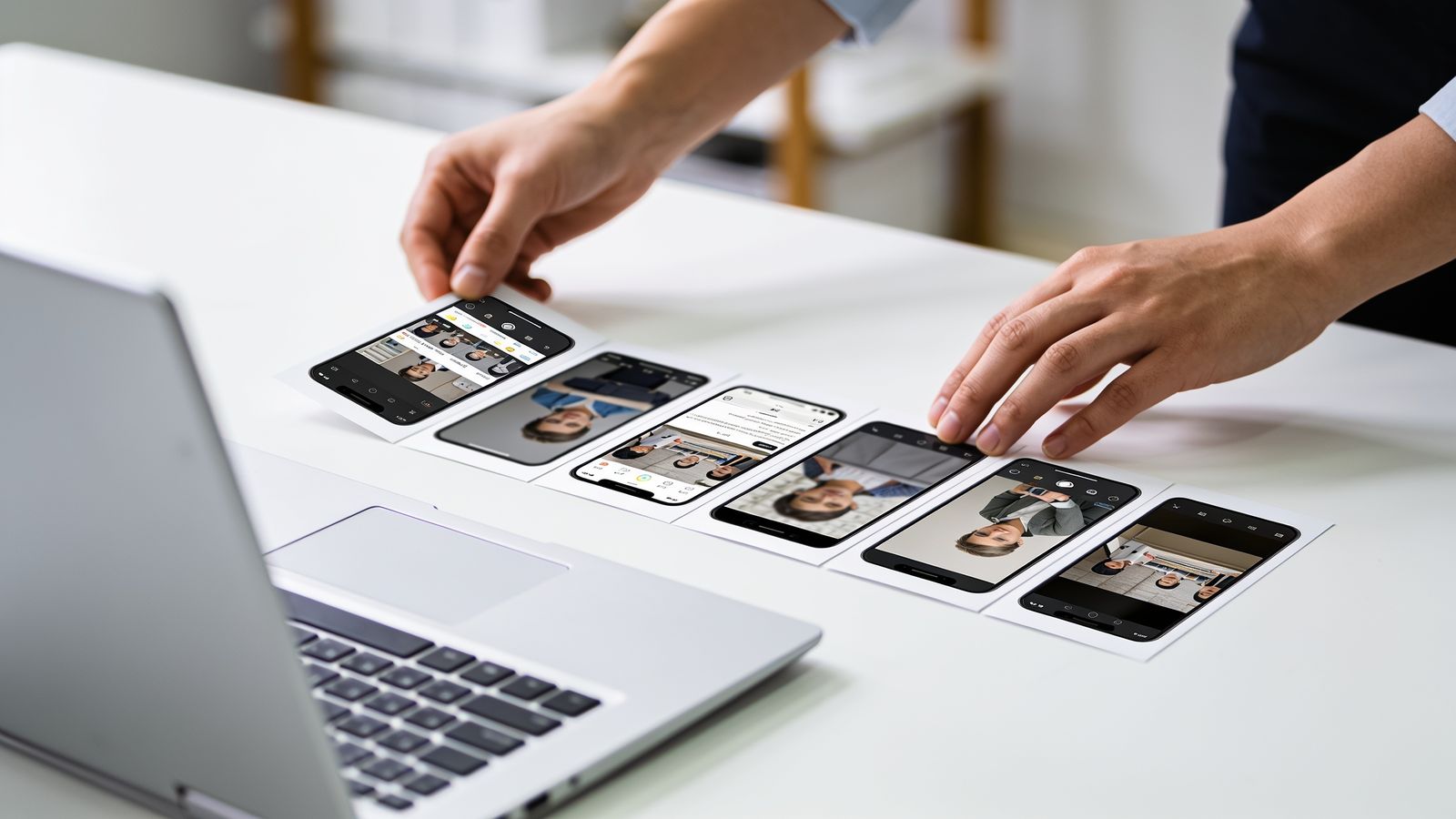
Screenshots tell the story
Use five or six, in order:
- the main thing it does
- how easy it is
- the reward or benefit
- other useful features
- anything that builds trust
A short caption on each helps. Use real screens, not mock-ups that look better than the app.
Privacy details
Both major app stores ask what data your app collects and why. Answer honestly and completely. Collecting less makes this section shorter and more reassuring.
Contact and support
Give a support email and website. Reviewers and customers both look for them.
Before submitting
- Test every screen on a real phone.
- Make sure any sign-in works for the store's reviewers. They may need a test account.
- Check all links in the app work.