Photos · 2 min
Good product photos don't need an expensive camera. They need good light, a calm background and a bit of patience. Today's phones do the rest.
1. Use window light
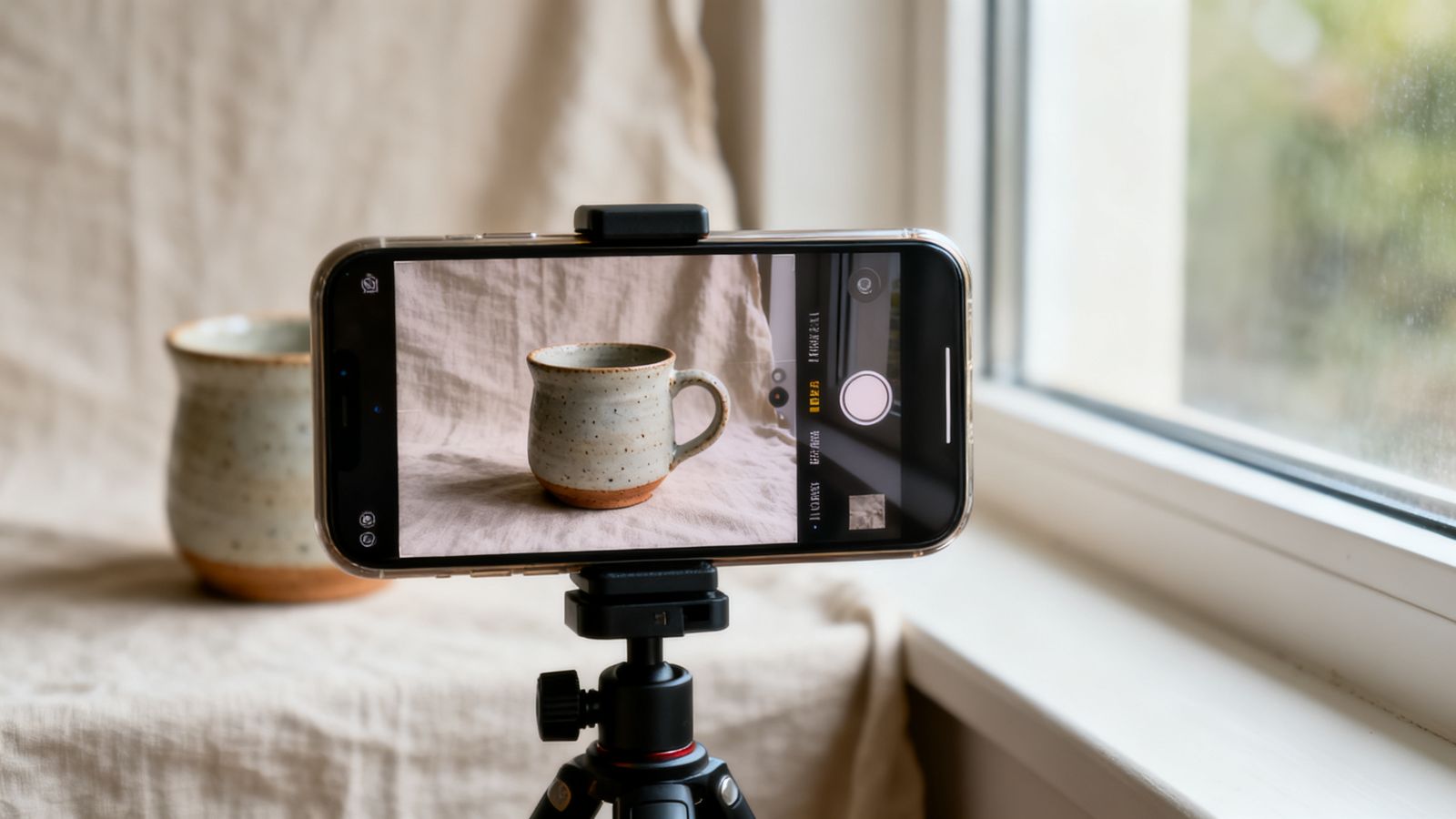
Put your product near a big window, out of direct sun. Turn off the ceiling lights, as mixed light makes colours look strange. If shadows are too dark, hold a sheet of white card on the other side to bounce light back.
2. Keep the background simple
A plain wall, a sheet of paper curved up behind the product, a wooden table. The product should be the most interesting thing in the picture.
3. Shoot more than one angle
- straight on, so people see the shape
- from above, for flat items like food or jewellery
- a close-up of the detail or texture
- in use: someone holding it, wearing it, eating it
4. Hold still and tap to focus
Tap the product on screen to focus. Lean on a table or use a small tripod. Blurry photos lose more sales than any other mistake.
5. Edit gently, honestly
Straighten, brighten, fix the colour so white looks white, and remove dust or clutter. Don't change what the product really looks like. Returns and bad reviews cost more than a slightly less perfect photo.
Match the shape to where it goes
- Marketplaces often want square photos.
- Instagram posts look best 4:5 (a little taller than wide).
- Stories and status updates use 9:16 (tall).
Goldmend Photos has these sizes built in, so you can take one photo and save it in each shape.