App ideas · 2 min
For salons, studios, clinics, tutors and repair shops, booking is the main job of an app. Done well, it fills your calendar and cuts no-shows.
Make booking fast
- choose the service
- choose the person (or "anyone")
- choose a time from what's actually free
- confirm
Four steps, one screen each. Show the price and duration before they confirm.
Remember the regulars
If someone always books the same haircut with the same person, offer "Book again" on the first screen.
Reminders that work
- one reminder the day before
- one a couple of hours before
- each with a "Can't make it?" button
Reminders are the main reason apps reduce no-shows.
Make cancelling easy
It sounds backwards, but easy cancelling is good for you. People who can cancel in two taps free up the slot for someone else, instead of just not turning up.
Explain your cancellation policy in one plain sentence, shown before they book.
Deposits, carefully
For long or expensive appointments, a deposit can reduce no-shows. Let a payment provider handle it, show the amount clearly, and say when it's refunded.
Your side
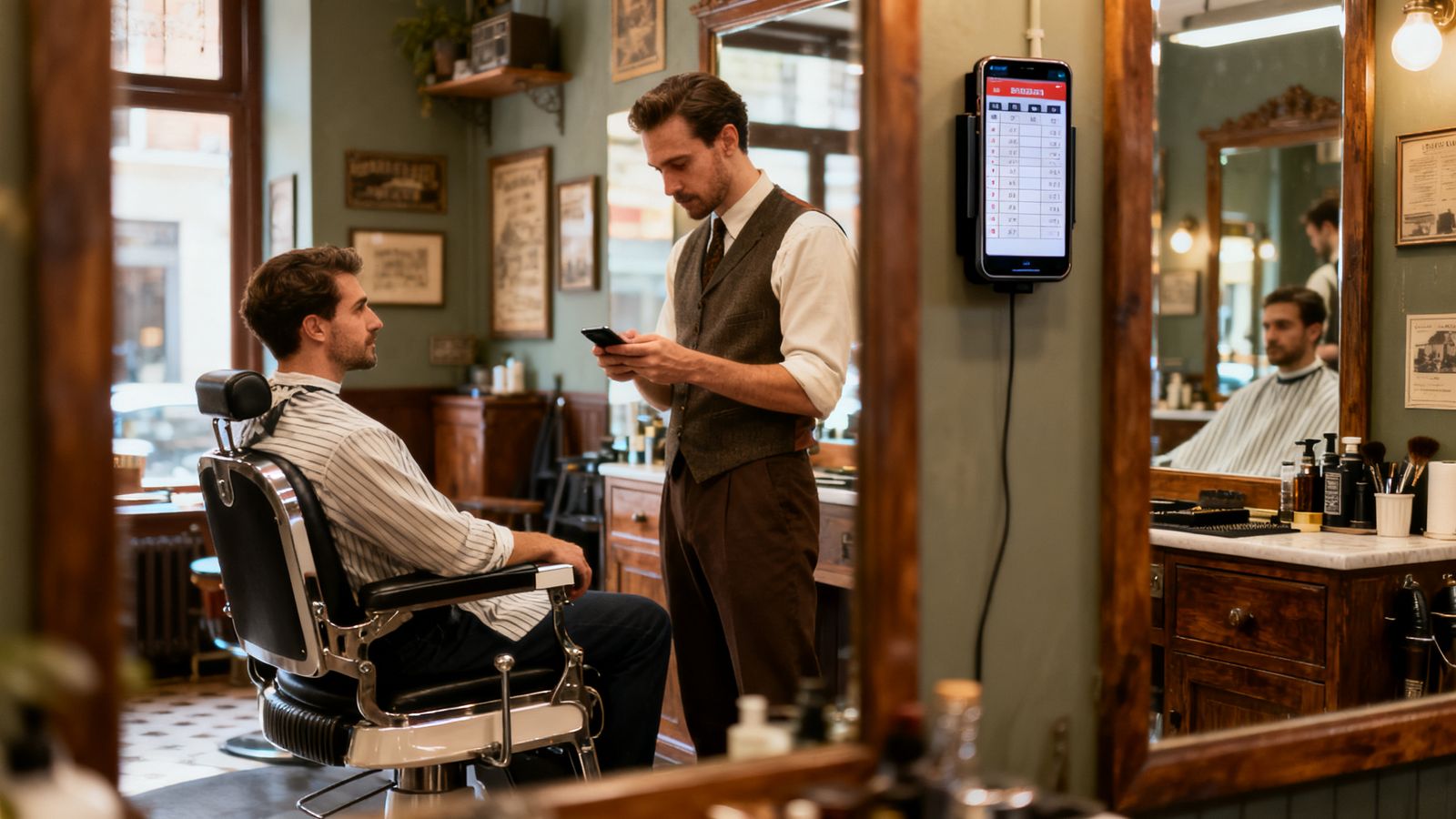
The app should show you today's list on one screen, let you block time off, and let you move a booking when someone calls.