Print · 2 min
Reprints are expensive and slow. Ten minutes with this checklist catches most problems before they happen.
The words
- Spelling and grammar, checked by someone who didn't write it.
- Dates, times, prices and phone numbers checked against the source.
- Website and QR codes tested.
The file
- The right size, including any bleed (extra design past the cut edge, often 3 mm).
- Safe margin: important text and logos well inside the cut line.
- Resolution: photos at least 300 pixels per inch at print size. A photo that's sharp on screen can look blurry printed.
- Fonts embedded in the PDF, or converted to shapes.
- Colours: set up the way your printer asks (RGB or CMYK).
The printer's requirements
- Ask for their template or specifications before designing. It's easier than fixing afterwards.
- Paper and finish confirmed: weight, matte or gloss, coated or uncoated.
Proofs
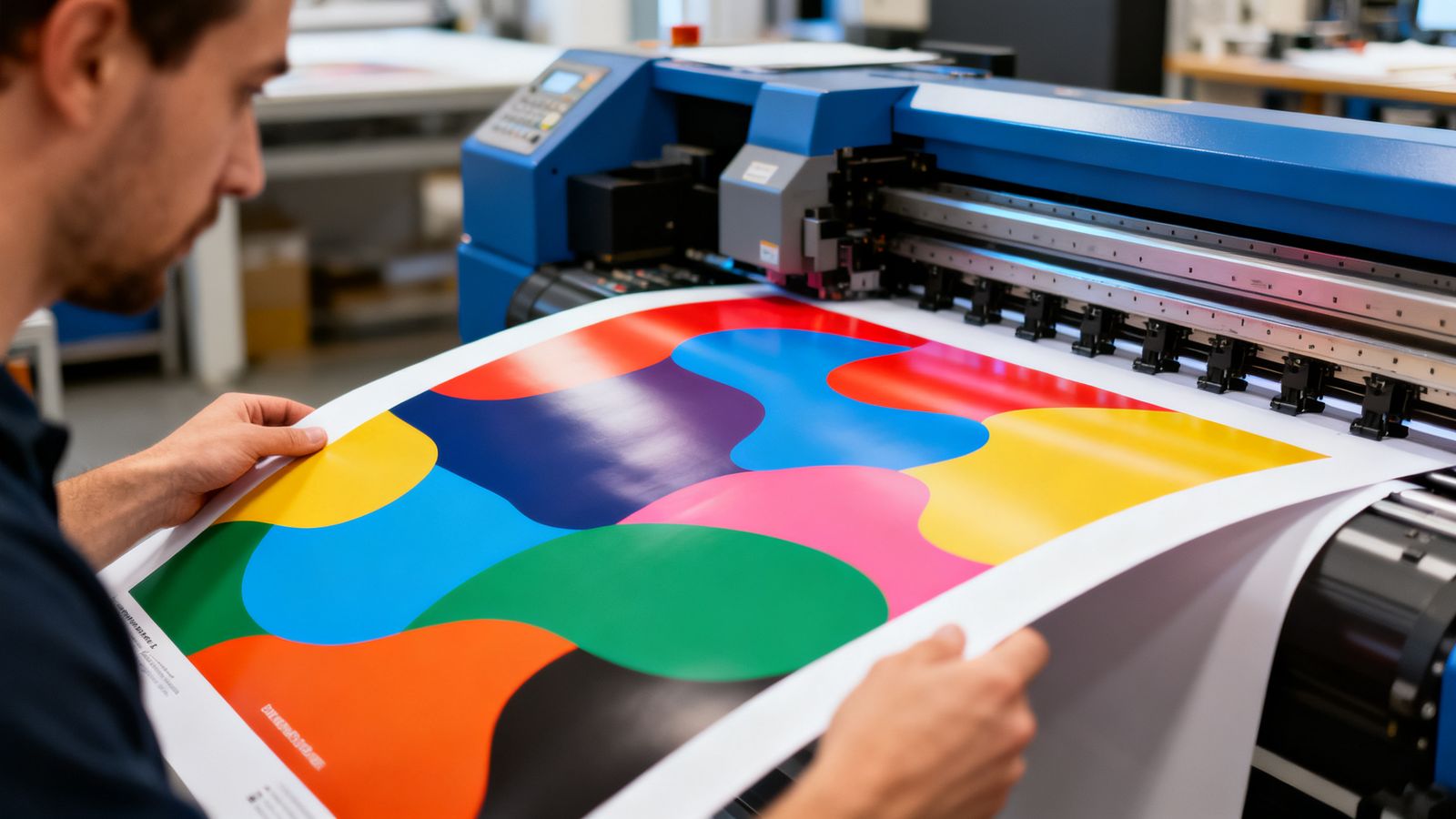
- For big runs, ask for a printed proof.
- Check it in daylight.
- Check colours against your brand swatch.
- Check the trimming: nothing important cut off.
Quantity
Order a small batch first for anything new. You'll often spot something you want to change.
Keep the final files
Save the final print PDF with a clear name and date. Next time, you'll reprint in minutes.